Ubiquiti G4 Doorbell

Ubiquiti / UVC-G4-Doorbell-US

Last checked

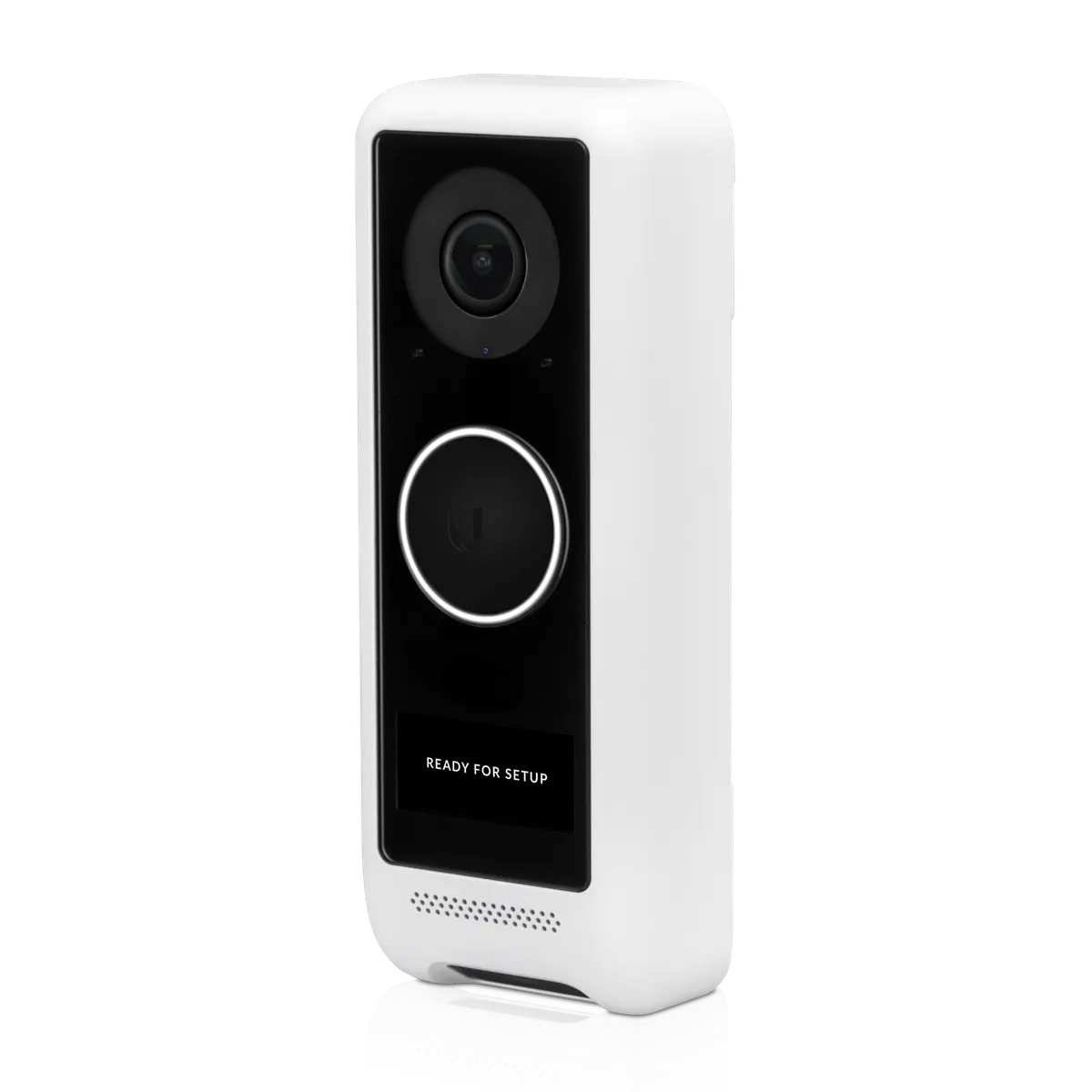
Ubiquiti UniFi G4 Doorbell
Image: Ubiquiti

Does the Ubiquiti G4 Doorbell work with HomeKit, Alexa, and Google Home?

The G4 Doorbell (UVC-G4-Doorbell-US) connects over Wi-Fi and runs on 16-24 V AC.

Its camera is 2MP (1600 x 1200), and it needs a UniFi Console running UniFi Protect. It suits Home Assistant users, with native support through the maker's hub.

At a glance: works withHow this is decided: cited platform facts only
HomeKit
Unknown
Unknown
Google Home
Unknown
Unknown
Alexa
Unknown
Unknown
SmartThings
Unknown
Unknown
Home Assistant
Yes[1]
Proprietary + hub, native

Key facts

Ubiquiti G4 Doorbell facts

How facts are sourced: every cell cites its source below
Ubiquiti G4 Doorbell facts
FactValue
StatusCurrent[2]
List price$199[2] as of
GenerationDoorbells[3]
Form factorvideo doorbell[3]
Resolution2MP 1600 x 1200 (4:3)[3]
Sensor5MP CMOS sensor[3]
LensFixed focal length[3]
Field of viewH: 138°, V: 114°, D: 155°[3]
Power16—24V AC, 1.25A max., 50/60 Hz[3]
Network802.11a/b/g/n/ac WiFi, Bluetooth™ 4.2[3]
Night modeBuilt-in IR LED illumination and IR cut filter[3]
WeatherproofingIPX4[3]
Dimensions118.3 x 46.8 x 25.8 mm (4.7 x 1.8 x 1")[3]
MountingFlat wall, 20° wedge (Included)[3]
AudioMicrophone: Yes (can be disabled). Speaker: Yes.[3]
AI detection typesG5 and G4 Series: person and vehicle detection on camera. Face recognition, LPR, vehicle type/color need an AI Port.[4]
How to identify itModel UVC-G4-Doorbell-US. Video doorbell.[3]
IR range6 m (20 ft)[2]
Smart detectionsAI event detections[2]
First seen2020-07-15[5]
Releasedunknown
US availabilitySold out[2][6]

Integration paths

How the Ubiquiti G4 Doorbell connects

1 pathHow facts are sourced: every cell cites its source below
How the Ubiquiti G4 Doorbell connects
PathRequiresiLocaliFeatures lostPlatformsi
Proprietary + hub, needs HUBUniFi Console running UniFi Protect[7]unknownunknown
About these columns
Requires
Hardware the path needs beyond the device and a controller.
Local
Yes when control on this path keeps working with the internet down.
Platforms
The platforms that work with the device on this path: Native (out of the box), Via integration (needs an add-on) or Not supported.

Home Assistant and Homey

Ways to add the Ubiquiti G4 Doorbell

2 routesHow facts are sourced: every cell cites its source below
Ways to add the Ubiquiti G4 Doorbell
PlatformLeveliIntegrationDetailsEvidenceLimitations
Home AssistantNative (local)[1]unifiprotectProprietary + hub
  • Quality: Platinum[1]
  • IoT class: Local Push[1]
  • Works with Home Assistant: Not certified[1]
Vendor system covered, model not namedLimited: Needs UniFi Protect on a UniFi OS Console (Protect 7.2.105 or later); a local user and an API key are required[1]
HomeyCommunity app[8]com.ubnt.unifiprotectProprietary + hub
  • App: Community[8]
  • Runs on: Homey Pro[8]
Product line namedNone stated
About these columns
Level
How the device gets into the platform on this route. The headline is the best route: local before cloud, direct before bridged, core before community. The methodology page lists every level.

Cite this page

Ubiquiti G4 Doorbell. Smart Home Canon. https://smarthomecanon.com/devices/unifi-g4-doorbell. Last checked 2026-10-20.
Sources

  1. [1]
    DOChome-assistant.io / UniFi Protect - Home Assistant
    Accessed Back to text
  2. [2]
    MFRstore.ui.com / UI Store US product page: UVC-G4-DOORBELL
    Accessed Back to text
  3. [3]
    MFRtechspecs.ui.com / UniFi Tech Specs: G4 Doorbell (UVC-G4-DoorBell)
    Accessed Back to text
  4. [4]
    MFRhelp.ui.com / UniFi Protect Cameras - AI Detections and Facial Recognition (help.ui.com)
    Accessed Back to text
  5. [5]
    MFRweb.archive.org / Archived copy of UniFi Protect G4 Doorbell, 2021-03-01
    Accessed Back to text
  6. [6]
    MFRstore.ui.com / UI Store US: Physical Security category
    Accessed Back to text
  7. [7]
    MFRhelp.ui.com / Getting Started with UniFi Protect (help.ui.com)
    Accessed Back to text
  8. [8]
    DOChomey.app / Homey App Store: Ubiquiti UniFi Protect and Access
    Accessed Back to text