Shelly Wall Display X1i

Shelly / SAWD-6A1XX10EU0

Last checked

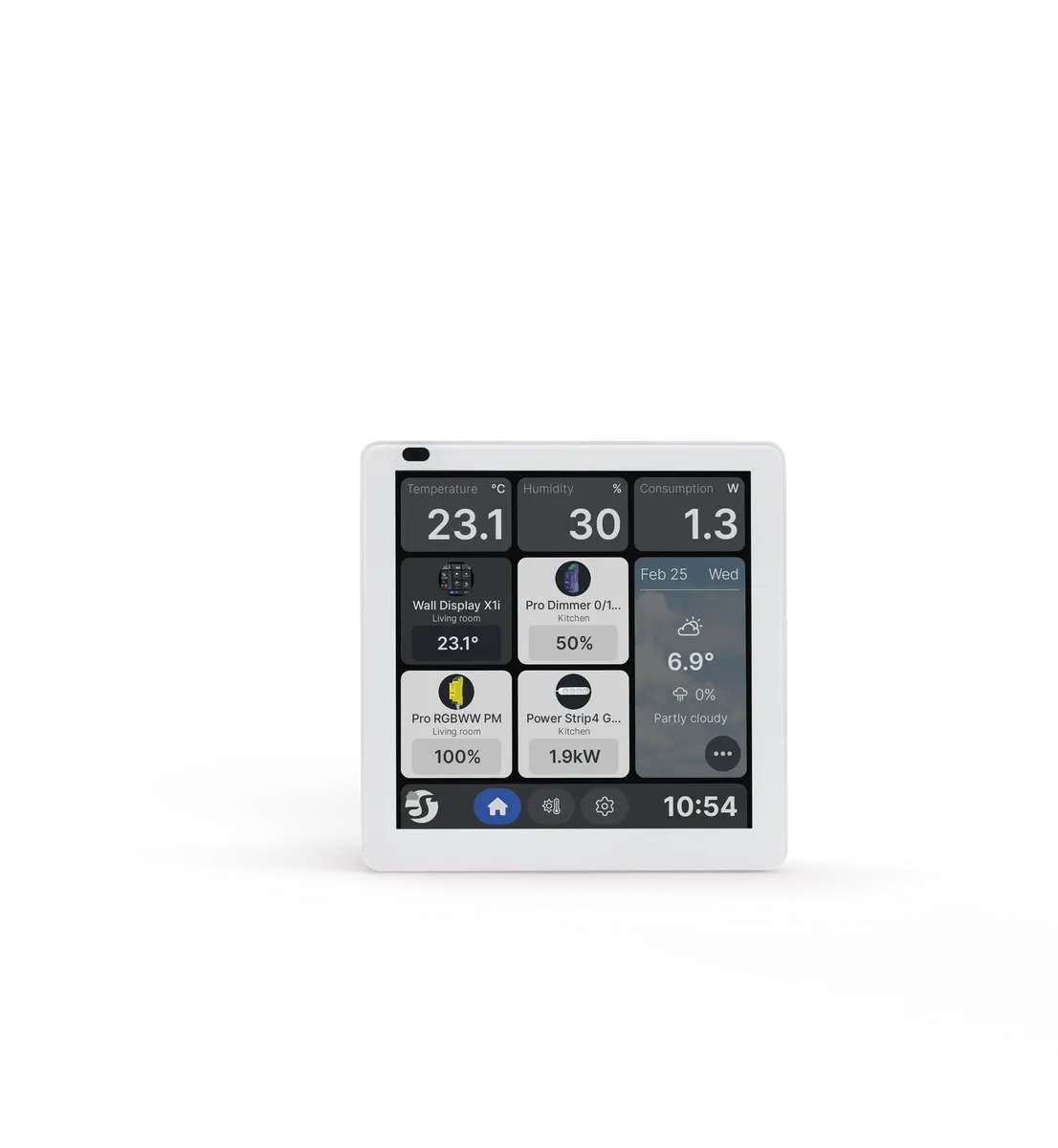
Shelly Wall Display X1i, silver, front view
Image: Shelly press materials

Does the Shelly Wall Display X1i work with HomeKit, Alexa, and Google Home?

The Shelly Wall Display X1i is a 4 inch touchscreen control panel with an interchangeable power base that switches one load circuit.

The Shelly 2-Output Power Base for Wall Display replaces it to switch two circuits. It suits Home Assistant users, with native support through local Wi-Fi control.

At a glance: works withHow this is decided: cited platform facts only
HomeKit
Unknown
Unknown
Google Home
Unknown
Unknown
Alexa
Unknown
Unknown
SmartThings
Unknown
Unknown
Home Assistant
Yes[1]
Wi-Fi local, native

Key facts

Shelly Wall Display X1i facts

How facts are sourced: every cell cites its source below
Shelly Wall Display X1i facts
FactValue
StatusCurrent[2][3]
TypeWall display[2][4]
Model codeSAWD-6A1XX10EU0[4]
Display or video4 inch color touchscreen, 720x720; Android 11[2][4]
RadioWi-Fi 6 dual band; Bluetooth 5.0[4]
Power100-240 V AC; one-output power base, 5 A[4]
Local APIMQTT[4]

Integration paths

How the Shelly Wall Display X1i connects

1 pathHow facts are sourced: every cell cites its source below
How the Shelly Wall Display X1i connects
PathRequiresiLocaliFeatures lostPlatformsi
Wi-Fi localWi-Fi network[4]Yes[4]unknown
About these columns
Requires
Hardware the path needs beyond the device and a controller.
Local
Yes when control on this path keeps working with the internet down.
Platforms
The platforms that work with the device on this path: Native (out of the box), Via integration (needs an add-on) or Not supported.

Home Assistant and Homey

Ways to add the Shelly Wall Display X1i

1 routeHow facts are sourced: every cell cites its source below
Ways to add the Shelly Wall Display X1i
PlatformLeveliIntegrationDetailsEvidenceLimitations
Home AssistantNative (local)[1]shellyWi-Fi local
  • Quality: Platinum[1]
  • IoT class: Local Push[1]
  • Works with Home Assistant: Not certified[1]
Product line namedNone stated
About these columns
Level
How the device gets into the platform on this route. The headline is the best route: local before cloud, direct before bridged, core before community. The methodology page lists every level.

Cite this page

Shelly Wall Display X1i. Smart Home Canon. https://smarthomecanon.com/devices/shelly-wall-display-x1i. Last checked 2026-10-20.
Sources

  1. [1]
    DOChome-assistant.io / Home Assistant: Shelly integration
    Accessed Back to text
  2. [2]
    MFRshelly.com / Shelly Wall Display X1i - Shelly Europe shop
    Accessed Back to text
  3. [3]
    MFRshelly.com / Shelly Europe shop catalog (Shopify product feed)
    Accessed Back to text
  4. [4]
    MFRkb.shelly.cloud / Shelly Wall Display X1i - Shelly Knowledge Base
    Accessed Back to text