Seeed Studio IoT Button V2

Seeed Studio / 113110044

Last checked

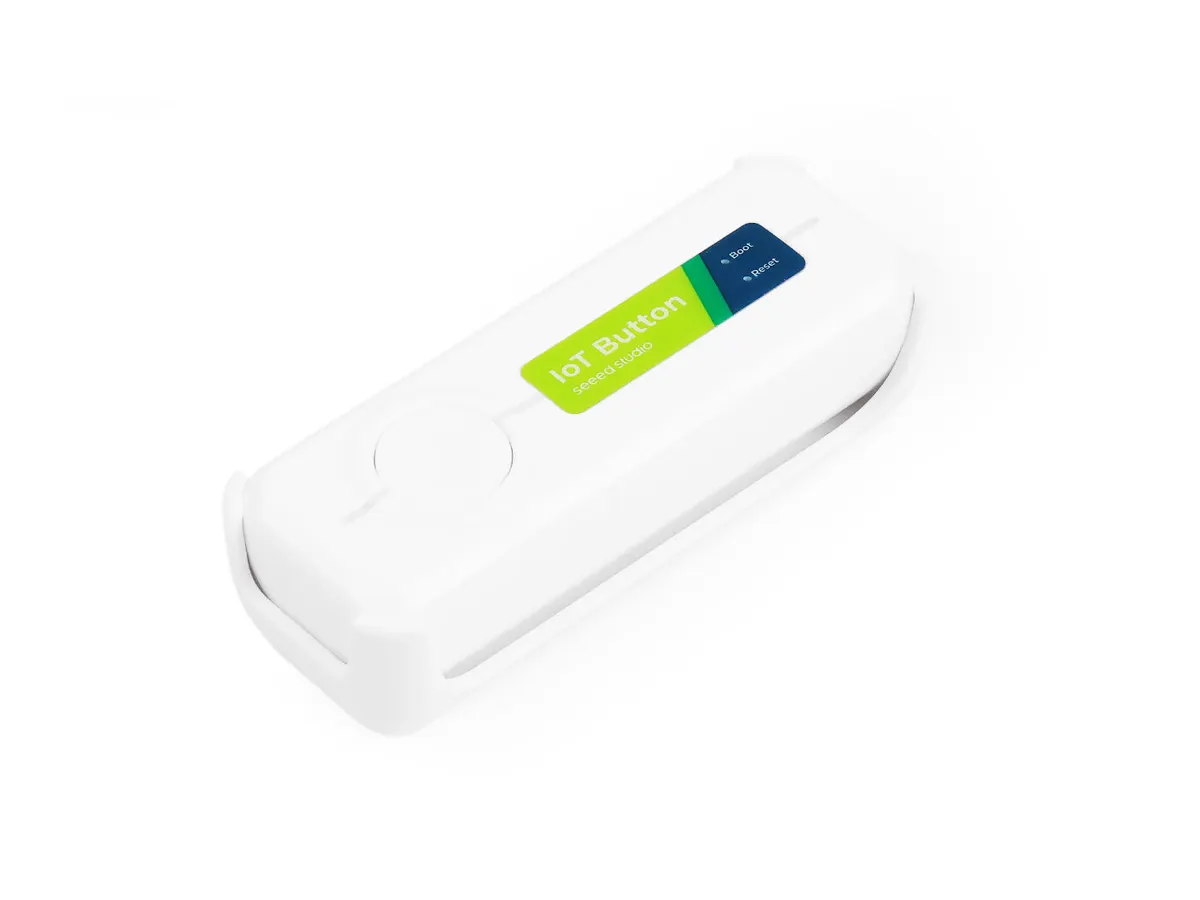
Seeed Studio IoT Button V2, angled view
Image: Seeed Studio

Does the Seeed Studio IoT Button V2 work with HomeKit, Alexa, and Google Home?

The IoT Button V2 is a rechargeable Zigbee 3.0 smart button from Seeed that ships with Zigbee firmware and pairs with Home Assistant through ZHA.

It sends single-press, double-press and long-press events. The hardware also has 2.4 GHz Wi-Fi, but the Wi-Fi ESPHome firmware has to be flashed separately. It suits Home Assistant users through an integration (Zigbee).
At a glance: works withHow this is decided: cited platform facts only
HomeKit
Unknown
Unknown
Google Home
Unknown
Unknown
Alexa
Unknown
Unknown
SmartThings
Unknown
Unknown
Home Assistant
Yes[1]
Zigbee, via ZHA

Key facts

Seeed Studio IoT Button V2 facts

How facts are sourced: every cell cites its source below
Seeed Studio IoT Button V2 facts
FactValue
StatusCurrent[2]
List price$10.90[2] as of
TypeSmart button[2]
FunctionSingle press, double press and long press events[1]
WirelessZigbee 3.0 and 2.4 GHz Wi-Fi[1]
PowerRechargeable 18650 Li-ion battery with USB-C charging[1]
FirmwareZigbee firmware at the factory[1]
Size92 x 32 x 25 mm[1]
ESPHomeNeeds flashing[1]

Integration paths

How the Seeed Studio IoT Button V2 connects

1 pathHow facts are sourced: every cell cites its source below
How the Seeed Studio IoT Button V2 connects
PathRequiresiLocaliFeatures lostPlatformsi
Zigbee, needs HUBA Zigbee coordinator, such as the radio ZHA uses[1][3]unknownunknown
About these columns
Requires
Hardware the path needs beyond the device and a controller.
Local
Yes when control on this path keeps working with the internet down.
Platforms
The platforms that work with the device on this path: Native (out of the box), Via integration (needs an add-on) or Not supported.

Home Assistant and Homey

Cite this page

Seeed Studio IoT Button V2. Smart Home Canon. https://smarthomecanon.com/devices/seeed-iot-button-v2. Last checked 2026-10-18.

Sources

  1. [1]
    MFRwiki.seeedstudio.com / Getting Started with Seeed Studio IoT Button - Seeed Wiki
    Accessed Back to text
  2. [2]
    MFRseeedstudio.com / Seeed Studio IoT Button V2 - Seeed Studio store
    Accessed Back to text
  3. [3]
    DOChome-assistant.io / Zigbee Home Automation (ZHA) - Home Assistant
    Accessed Back to text