Which Philips Hue switches, sensors and plug should I buy?
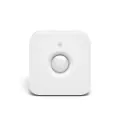
Hue's controls and sensors are the Dimmer Switch, Tap Dial Switch, Tap Switch Mini, Smart Button, Motion Sensor, Outdoor Sensor and Smart Plug, with wired wall modules. The Dimmer Switch, Tap Dial Switch, Tap Switch Mini, Smart Button, Motion Sensor and Outdoor Sensor need a Hue Bridge.
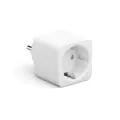
The Smart Plug works over Bluetooth on its own and adds more features with a Bridge. Hue's wired dimmer and on/off modules go behind an existing wall switch and list a Bridge as optional.
Lines compared
The remotes differ by controls and mount. The Dimmer Switch has dedicated dimming buttons. The Tap Dial Switch and Tap Switch Mini dim by turning a dial, and their buttons each control up to three Rooms or a Zone. The Smart Button is one larger button that dims by press and hold.[1–4]
The Tap Switch Mini is sold as a Tap dial switch with a small round mount. It goes on a wall or a magnetic surface, or works as a remote. The Tap Dial Switch has the rectangular wall plate.[2][3][5]
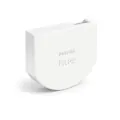
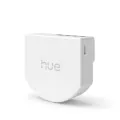
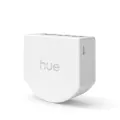
Wall modules go behind an existing switch. The wall switch module and the wired wall switch module for smart lights keep Hue lights powered and let the old switch control them. The wired dimmer and on/off switches are for non-smart lights.[6–9]
Each remote and sensor on this page lists a Hue Bridge as required. The Smart Plug and the wired switches for non-smart lights list one as optional.[1][8][10][11]
Hue says the dial on the Tap Dial Switch does not support Matter, and that products connected over Bluetooth cannot be used with Matter.[12]
The wired modules need a neutral wire in the wall box, except the wired dimmer, which Hue lists as working with or without one.[7–9]
Currently sold
Newest first in each series.
Models sold now, newest in each series
13 models. List prices as of Oct 10, 2026How facts are sourced: every cell cites its source below
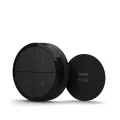 Mini mount
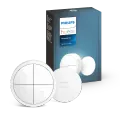 Wall plate
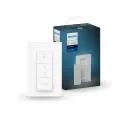 Latest model
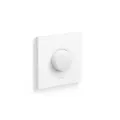 Latest model
 Nanoleaf
 Battery
 Wired
Wired Wired
Wired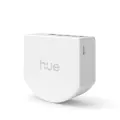 Wired, 1 channel
 Wired, 2 channels
 Indoor
 Outdoor
 Bluetooth