Nanoleaf Smart Multicolor Ceiling Light

Nanoleaf / NL0077K0301A001, NL0077K0201A001

Last checked

Nanoleaf Smart Multicolor Ceiling Light
Image: Nanoleaf

Does the Nanoleaf Smart Multicolor Ceiling Light work with HomeKit, Alexa, and Google Home?

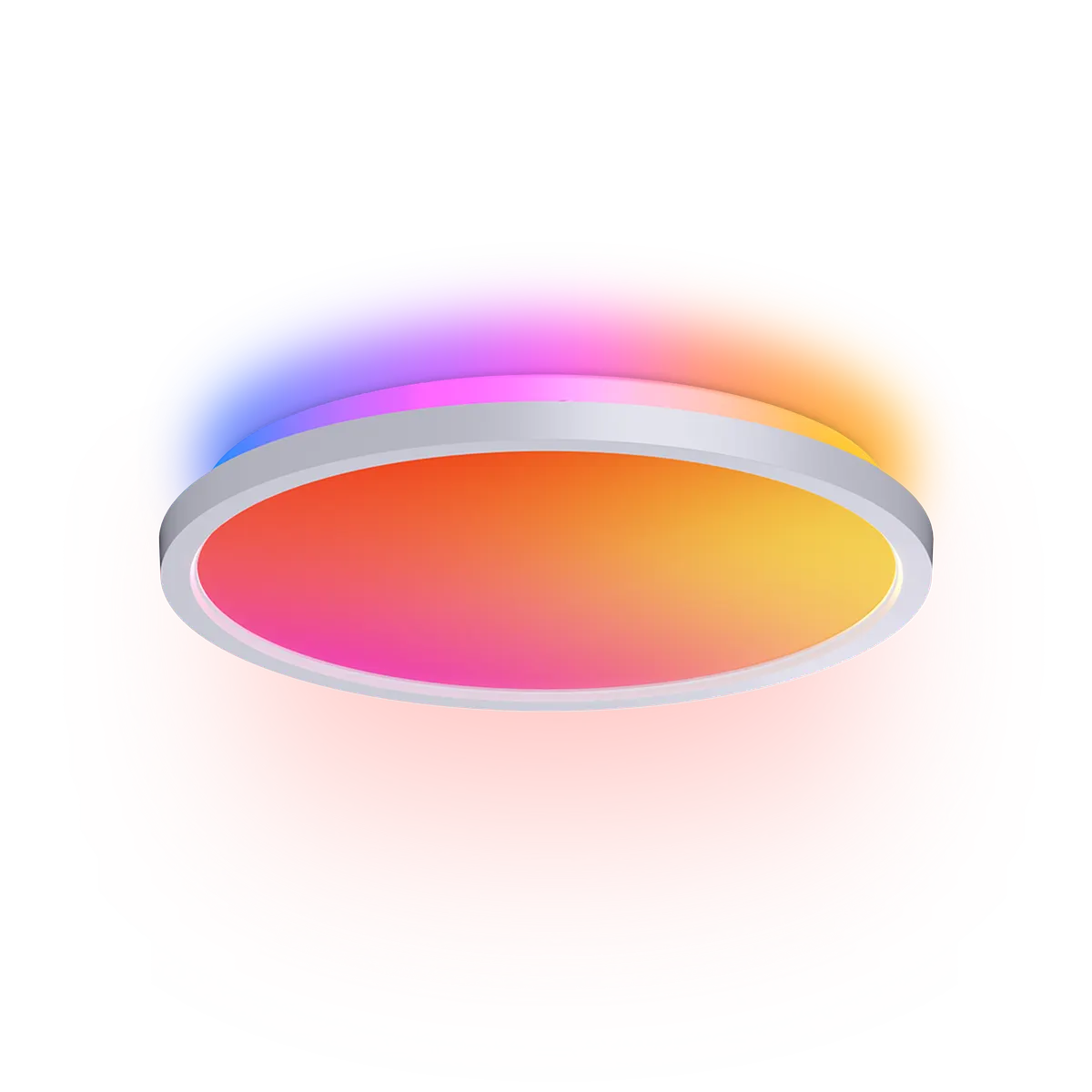
The Smart Multicolor Ceiling Light is a 12.6 inch hardwired flush mount with a downlight and a rear ambient halo, up to 2,600 lm.

It uses Matter over Wi-Fi and needs a Matter controller. Nanoleaf recommends professional installation. It suits HomeKit, Google Home, Alexa, SmartThings and Home Assistant users, with native support through Matter over Wi-Fi.

At a glance: works withHow this is decided: cited platform facts only
HomeKit
Yes[1]
Matter / Wi-Fi, native
Google Home
Yes[1]
Matter / Wi-Fi, native
Alexa
Yes[1]
Matter / Wi-Fi, native
SmartThings
Yes[1]
Matter / Wi-Fi, native
Home Assistant
Matter / Wi-Fi, native

Key facts

Nanoleaf Smart Multicolor Ceiling Light facts

How facts are sourced: every cell cites its source below
Nanoleaf Smart Multicolor Ceiling Light facts
FactValue
StatusCurrent[4]
List price$79.99[1] as of Price of one North American ceiling light, the same as the launch price.
TypeFlush-mount ceiling light[1]
RadioWi-Fi 2.4 GHz and Bluetooth[1]
MatterMatter over Wi-Fi[1][5]
Thread border routerNo[1]
Works withHomeKit, Google Home, Alexa, SmartThings[1]
PowerMains, hardwired, 120-240 V[1]
Released2026-06[5]

Integration paths

How the Nanoleaf Smart Multicolor Ceiling Light connects

1 pathHow facts are sourced: every cell cites its source below
How the Nanoleaf Smart Multicolor Ceiling Light connects
PathRequiresiLocaliFeatures lostPlatformsi
Matter / Wi-Fi2.4 GHz Wi-Fi network (5 GHz not supported), Matter controller[1][5]unknownunknown
About these columns
Requires
Hardware the path needs beyond the device and a controller.
Local
Yes when control on this path keeps working with the internet down.
Platforms
The platforms that work with the device on this path: Native (out of the box), Via integration (needs an add-on) or Not supported.

Home Assistant and Homey

Ways to add the Nanoleaf Smart Multicolor Ceiling Light

2 routesHow facts are sourced: every cell cites its source below
Ways to add the Nanoleaf Smart Multicolor Ceiling Light
PlatformLeveliIntegrationDetailsEvidenceLimitations
Home AssistantVia Matter[2][3] (Matter certified; Home Assistant does not name the model)matterMatter / Wi-Fi
  • Quality: No score[2][3]
  • IoT class: Local Push[2][3]
  • Works with Home Assistant: Not certified[2][3]
Model namedNone stated
HomeyVia Matter[2][6]matterMatter / Wi-FiModel namedNone stated
About these columns
Level
How the device gets into the platform on this route. The headline is the best route: local before cloud, direct before bridged, core before community. The methodology page lists every level.
Roles in a smart home

Infrastructure roles

How facts are sourced: every cell cites its source below
Infrastructure roles
RoleActs as one
Thread border routerNo[1]

Releases

  1. 2026
    1. Released [5]

      Launched at $79.99.

Certifications

Certification records

1 recordHow facts are sourced: every cell cites its source below
Certification records
ProgramCertificateCertified onTransportSpec / softwareSource
MatterCSA261ZAMAT51974-24wi-fi, bluetooth5.2.21[2]

Cite this page

Nanoleaf Smart Multicolor Ceiling Light. Smart Home Canon. https://smarthomecanon.com/devices/nanoleaf-smart-multicolor-ceiling-light. Last checked 2026-10-20.

Sources

  1. [1]
    MFRnanoleaf.me / Nanoleaf: Smart Multicolor Ceiling Light (product page and tech specs)
    Accessed Back to text
  2. [2]
    CSAon.dcl.csa-iot.org / Matter DCL compliance: Multicolor Ceiling Light, PID 77 (part NL77), software 5.2.21
    Accessed Back to text
  3. [3]
    DOChome-assistant.io / Home Assistant: Matter integration
    Accessed Back to text
  4. [4]
    MFRnanoleaf.me / Nanoleaf store: product catalog (product JSON, 73 products)
    Accessed Back to text
  5. [5]
    MFRnanoleaf.me / Nanoleaf press release, 2026-06-30: Smart Multicolor Ceiling Light
    Accessed Back to text
  6. [6]
    DOCsupport.homey.app / Homey Support: Matter for Homey (Add a Matter device to Homey)
    Accessed Back to text